
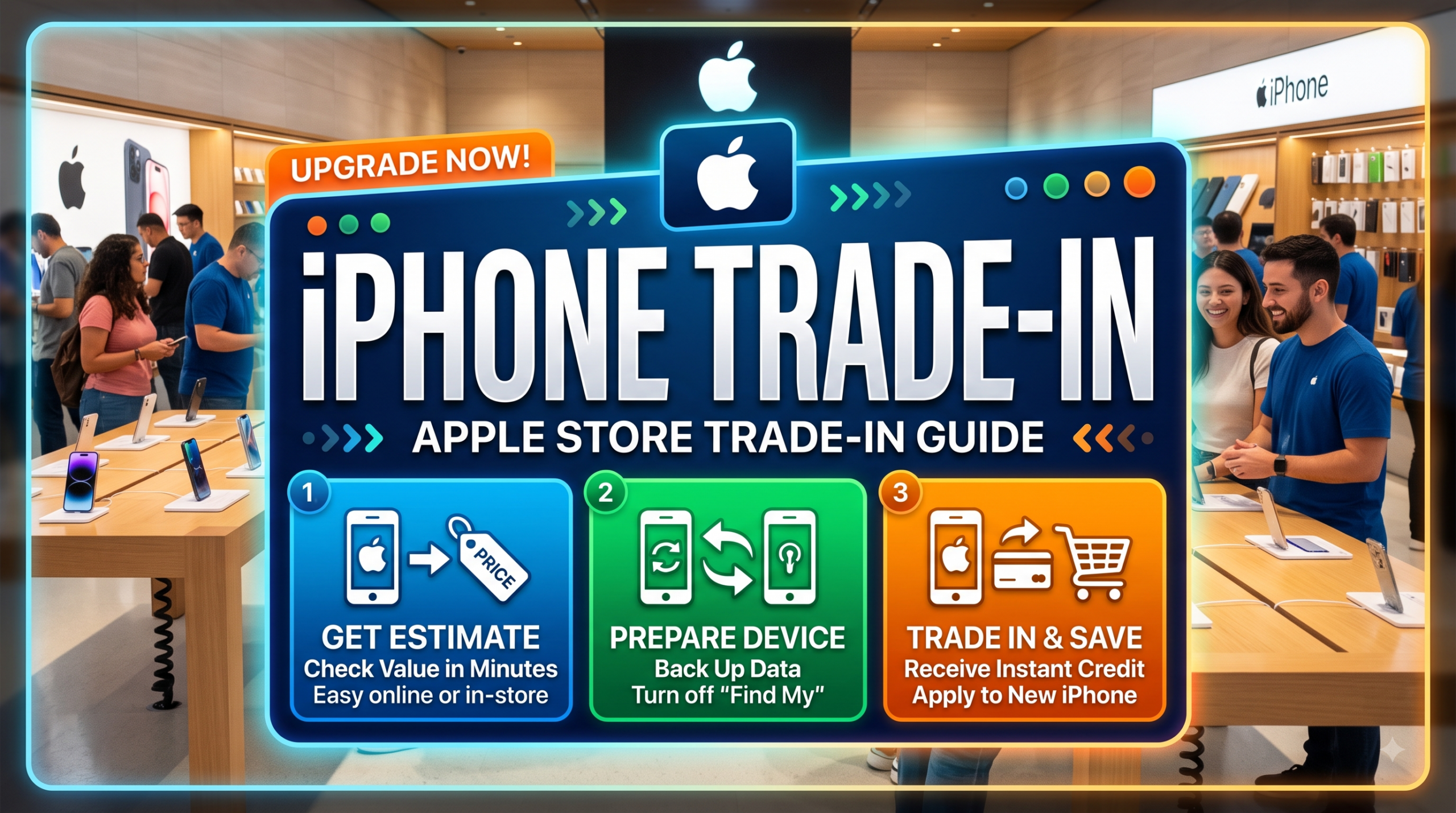
Apple Trade In Guide 2026: Eligible iPhones, Trade-In Values, and How to Trade In Online or In Store
If you are planning to upgrade your iPhone, iPad, Mac, Apple Watch, or another smartphone, Apple Trade In can be one of the simplest ways to reduce the cost of your next Apple device.
Instead of keeping an old device in a drawer or selling it privately, you can have Apple or its trade-in partner evaluate the device and receive trade-in credit that can be applied toward a new Apple product. Depending on the device and transaction, you may also receive an Apple Gift Card.
This guide explains how Apple Trade In works in the United States and Canada, which devices are generally eligible, how iPhone trade-in values are determined, and the difference between trading in online and at an Apple Store.
Important: Apple Trade In values change over time and depend on the exact model, storage capacity, manufacturer, condition, and market. The most accurate value is always the live estimate provided through Apple’s Trade In system.
Table of Contents
- What Is Apple Trade In?
- Which Devices Can You Trade In?
- iPhone Models Eligible for Trade In
- Can You Trade In an Android Phone?
- How Much Is an iPhone Worth?
- What Determines Your Trade-In Value?
- Apple Trade In Online
- Apple Trade In at an Apple Store
- Online vs. In-Store Trade In
- How to Prepare Your iPhone
- What Happens If Your Device Has Damage?
- What Happens If Apple Rejects or Revises the Value?
- Apple Gift Card vs. Trade-In Credit
- Apple Trade In in the United States
- Apple Trade In in Canada
- Frequently Asked Questions
- Final Verdict
1. What Is Apple Trade In?
Apple Trade In is Apple’s official trade-in program that allows customers to exchange eligible devices for credit toward a new Apple product.
Apple says customers can trade in eligible devices online or at an Apple Store. If a device has no monetary trade-in value, Apple can still recycle it for free.
The program covers more than just iPhones.
Depending on the country and current program availability, customers may be able to trade in:
- iPhone
- iPad
- Mac
- Apple Watch
- Selected Android smartphones
- Other eligible devices
Apple’s U.S. Trade In page specifically states that Apple and third-party devices, including Samsung and Google smartphones, can be eligible for trade-in credit or an Apple Gift Card.
2. Which Devices Can You Trade In?
The exact list of eligible models changes as Apple updates its Trade In program.
Generally, the main categories include:
| Device Category | Trade-In Availability |
|---|---|
| iPhone | Yes |
| iPad | Yes |
| Mac | Yes |
| Apple Watch | Yes |
| Samsung smartphones | Selected models |
| Google smartphones | Selected models |
| Very old devices | May qualify for recycling only |
| Severely damaged devices | May qualify for recycling only |
One important point is that eligibility does not automatically mean a device has monetary value.
A device may be accepted for recycling even when Apple or its trade-in partner determines that it has no trade-in credit value. Apple states that devices that are not eligible for credit can still be recycled free of charge.
3. iPhone Models Eligible for Apple Trade In
For people searching specifically for an iPhone trade-in, recent generations are generally the most relevant.
Apple’s current U.S. and Canadian shopping pages show Trade In offers for iPhone 13 and newer when purchasing newer iPhone models. However, this should not be interpreted as meaning older iPhones can never be submitted. Eligibility and value depend on the current Trade In system and device assessment.

The main iPhone families you should check include:
iPhone Air
- iPhone Air
iPhone 16 Series
- iPhone 16
- iPhone 16 Plus
- iPhone 16 Pro
- iPhone 16 Pro Max
iPhone 15 Series
- iPhone 15
- iPhone 15 Plus
- iPhone 15 Pro
- iPhone 15 Pro Max
iPhone 14 Series
- iPhone 14
- iPhone 14 Plus
- iPhone 14 Pro
- iPhone 14 Pro Max
iPhone 13 Series
- iPhone 13
- iPhone 13 mini
- iPhone 13 Pro
- iPhone 13 Pro Max
Older models may also be evaluated depending on the current Trade In system, but the exact result should be confirmed using Apple’s current estimator rather than relying on a static model list.
Apple’s current Canadian iPhone shopping page, for example, advertises Trade In credit for iPhone 13 or later toward certain current iPhone purchases.
4. Can You Trade In an Android Phone?
Yes.
This is one of the less widely known features of Apple Trade In.
Apple’s U.S. Trade In program states that eligible Samsung and Google smartphones can be traded in for credit or an Apple Gift Card.
This means you do not necessarily have to own an iPhone to use Apple Trade In.
For example, an eligible:
- Samsung Galaxy
- Google Pixel
- Other supported smartphone
may be evaluated for trade-in value.
However, eligibility varies by model, storage configuration and condition, so the best approach is to enter the exact model into Apple’s Trade In estimator.
5. How Much Is an iPhone Worth?
There is no single fixed Apple Trade In price for every iPhone.
Your estimated value can depend on:
- Exact model
- Storage capacity
- Device manufacturer
- Physical condition
- Screen condition
- Battery and functionality
- Whether major components work properly
- Current market conditions
- Country and trade-in program
Apple explicitly states that trade-in value depends on the device, model, manufacturer and condition.
For that reason, articles that publish one permanent “iPhone 15 trade-in value” or “iPhone 16 trade-in value” should be treated cautiously.
The value displayed by Apple’s current Trade In estimator is more useful than an old price table.
6. What Determines Your Trade-In Value?
Two identical iPhones can receive different trade-in values if their conditions are different.
For example:
iPhone A
- Fully functional
- Good display
- No major damage
- Cameras work
- Buttons work
- Battery and other functions operate normally
iPhone B
- Cracked display
- Damaged camera
- Broken buttons
- Significant physical damage
The second device can receive a substantially different valuation.
When completing an online trade-in, answer Apple’s condition questions accurately.
Apple explains that the final trade-in value can change if the device received does not match the condition described during the estimate.
7. How to Trade In an iPhone Online
One of the biggest advantages of Apple Trade In is that you do not necessarily have to visit an Apple Store.
The general process is:
Step 1: Select Your New Apple Product
Visit Apple’s online store and select the product you want to purchase.
Step 2: Choose Trade In
During the purchase process, select the option to trade in your existing device.
Step 3: Enter Your Device Information
You may need information such as:
- Model
- Storage
- Serial number
- Condition
- Functional status
Apple explains that the serial number can be found through the device’s settings.
Step 4: Receive an Estimated Value
Apple or its trade-in partner provides an estimated trade-in value based on the information you provide.
Step 5: Purchase Your New Device
Your trade-in can be incorporated into the purchase depending on the payment method and transaction.
Step 6: Prepare Your Old Device
Before sending it:
- Back up your data.
- Transfer your information to the new device.
- Sign out of your Apple Account where required.
- Disable Find My.
- Erase all personal content and settings.
- Remove physical SIM cards if applicable.
Step 7: Ship or Drop Off the Device
Apple may provide a prepaid trade-in kit or shipping/drop-off instructions depending on the transaction.
Step 8: Device Inspection
The device is inspected to confirm that its actual condition matches the information supplied.
Step 9: Final Credit
Once the device is verified, the trade-in credit is processed according to the payment method and terms of the transaction.
Apple says online trade-ins generally take around 2 to 3 weeks, although timing can vary.
8. How to Trade In an iPhone at an Apple Store
If you want a faster and more direct experience, visiting an Apple Store may be preferable.
The process is relatively simple.
Step 1: Visit an Apple Store
Bring your old device with you.
Step 2: Tell an Apple Specialist You Want to Trade It In
The Specialist can evaluate the device.
Step 3: Device Inspection
The condition of the iPhone will be checked.
Step 4: Receive the Trade-In Value
If the device qualifies, you can use the available credit according to the terms of your purchase.
Apple confirms that Trade In is available both on apple.com and at Apple retail stores.
One important difference is that the in-store valuation can differ from an online estimate if the physical condition of the device is different from what was originally described.
9. Apple Trade In Online vs. In Store
| Feature | Online Trade In | Apple Store Trade In |
|---|---|---|
| Convenience | Excellent | Good |
| Physical inspection | After shipment | On site |
| Need to visit store | No | Yes |
| Estimated value | Online | In-store assessment |
| Shipping | Usually required | Not necessarily |
| Immediate evaluation | No | Yes |
| Best for | Remote purchases | Same-day upgrade |
Online Trade In Is Better If:
- You are purchasing online.
- You prefer not to visit a store.
- You want to complete everything from home.
- You are comfortable shipping the old device.
In-Store Trade In Is Better If:
- You want an in-person assessment.
- You are already visiting an Apple Store.
- You want to ask a Specialist questions.
- You want to complete your upgrade in person.
10. How to Prepare Your iPhone Before Trade In
This is one of the most important parts of the process.
Before handing over your iPhone, make sure your personal information has been removed.
Back Up Your Data
Use iCloud or another appropriate backup method to preserve:
- Photos
- Contacts
- Messages
- Apps
- Settings
- Other important information
Turn Off Find My
Make sure Find My iPhone is disabled before the device is transferred.
If Find My remains enabled, it can interfere with the trade-in process.
Erase the iPhone
After confirming your data is safely backed up, erase the device.
The goal is to make sure your personal information is no longer accessible on the device.
Apple’s Trade In terms make clear that the customer is responsible for backing up and deleting personal data before the device is transferred.
11. What Happens If Your iPhone Has Damage?
A damaged iPhone is not necessarily useless.
Apple evaluates the condition of the device, and some devices that do not qualify for trade-in credit may still be accepted for recycling.
Examples of potential problems include:
- Cracked screen
- Damaged back glass
- Camera problems
- Non-working buttons
- Battery issues
- Water damage
- Severe physical damage
The important distinction is between:
Trade-in credit eligibility
and
recycling eligibility
Apple states that devices without trade-in value can still be recycled free of charge.
12. What Happens If Apple Revises the Trade-In Value?
This is an important issue for online trade-ins.
Suppose you report that your iPhone is in excellent condition.
Apple receives the device and discovers that the screen is damaged or another major function does not work.
The final value may be lower than the original estimate.
Apple’s Trade In terms state that the quoted value can be revised if the inspection finds that the device differs from the description, if Find My has not been removed, or if the device is not received within the required period.
Therefore:
Always describe your device honestly when obtaining the initial estimate.
This reduces the chance of receiving a revised valuation later.
13. Apple Gift Card vs. Trade-In Credit
Depending on the transaction, Apple Trade In can provide different forms of value.
You may receive:
- Credit toward a new Apple purchase
- Credit associated with your purchase/payment method
- Apple Gift Card
Apple’s Canadian Trade In program also allows customers to obtain trade-in value on an Apple Gift Card for later use.
This can be useful if you are not ready to purchase a new iPhone immediately.
14. Apple Trade In in the United States
For U.S. customers, the official Apple Trade In program supports online and Apple Store trade-ins.
Apple currently advertises Trade In offers for newer iPhones, including credit toward the iPhone 17 family when trading in eligible devices. The exact amount depends on the model and condition.
Apple also states that eligible Samsung and Google smartphones can be included in the U.S. Trade In program.
For U.S. buyers, the safest approach is to use Apple’s current estimator rather than relying on a third-party price list.
15. Apple Trade In in Canada
Apple Trade In is also available in Canada.
Canadian customers can trade in eligible devices:
- Online
- At an Apple Store
Apple’s Canadian Trade In page states that customers can receive credit toward a purchase or choose an Apple Gift Card, depending on the transaction.
Apple’s Canadian iPhone shopping page currently advertises Trade In credit for iPhone 13 or later toward certain newer iPhone models.
The exact dollar amount should always be checked directly through Apple’s current Canadian Trade In estimator because trade-in values can change.
16. Frequently Asked Questions About Apple Trade In
Can I trade in an old iPhone for a new iPhone?
Yes. Eligible iPhones can be traded in and the value can be applied toward a new Apple product, subject to the current Trade In terms.
Can I trade in an Android phone to Apple?
Yes. Apple’s U.S. program states that eligible Samsung and Google smartphones can qualify for trade-in credit or an Apple Gift Card.
Can I trade in an iPhone with a cracked screen?
It depends on the exact condition and current eligibility rules. A damaged device may receive reduced or no trade-in credit, but Apple can still accept eligible devices for recycling.
Does Apple Trade In require the original box?
Generally, the original box and accessories are not required to receive the trade-in value. Apple states that accessories do not need to be returned to receive the full trade-in value.
Can I get a trade-in estimate online and complete the trade in at an Apple Store?
Yes. Apple specifically says customers can obtain an estimate online and then trade in at an Apple Store. However, the final in-store value may differ if the actual condition differs from the online description.
How long does an online Apple Trade In take?
Apple says the online process generally takes about 2 to 3 weeks, although timing varies.
What happens if my device has no trade-in value?
Apple can recycle eligible devices free of charge even if they do not qualify for trade-in credit.
Is Apple Trade In better than selling an iPhone privately?
It depends on your priority.
Private marketplaces can sometimes produce a higher selling price, but Apple Trade In offers convenience and avoids many of the issues associated with private transactions.
If convenience, security and simplicity are your priorities, Apple Trade In can be attractive.
If maximizing the absolute resale price is your priority, comparing Apple’s quote with other resale options may be worthwhile.
17. Final Verdict: Is Apple Trade In Worth It?
Apple Trade In is primarily a convenience-focused upgrade program rather than simply the highest-price resale option.
Its biggest advantages are:
- Official Apple-supported process
- Online and in-store options
- Simple upgrade experience
- Credit toward a new Apple product
- Apple Gift Card option in applicable transactions
- Free recycling for devices without monetary value
- Support for selected non-Apple smartphones
For a relatively new iPhone in good condition, it is worth checking Apple’s current Trade In estimate before upgrading.
However, don’t assume that the displayed estimate is guaranteed. The final value depends on the actual device received and its verified condition.
Best Strategy for North American iPhone Owners
A smart approach is:
1. Check Apple’s Trade In estimate
↓
2. Compare it with private resale and other buyback services
↓
3. Decide whether convenience or maximum resale value matters more
↓
4. Back up your data
↓
5. Disable Find My
↓
6. Erase your personal information
↓
7. Complete the trade-in online or at an Apple Store
For many consumers, the biggest benefit of Apple Trade In is not simply the dollar amount—it is the ability to turn an old device into value toward a new Apple product without dealing with private buyers.
Official Apple Trade In Resources
For the most accurate and current trade-in value, always check Apple’s official Trade In page before publishing or making a purchasing decision.
United States: Apple Trade In — United States
Canada: Apple Trade In — Canada
Because Apple can change trade-in values, eligible models and promotional offers, these official pages should be treated as the final source for current pricing and eligibility.